Downloading the application
Jinks operates within the database, which means all files it generates and modifies exist inside the database only. To keep track of changes and to have a backup, you always want to download the generated files to the file system. There are two actions for this:
- Download
-
Packages the application into a single archive (a so called XAR), which you can later re-install into eXist-db using the Package Manager in the Dashboard. This is a quick choice for passing the application on to other people to try out.
- Sync
-
Synchronizes the file hierarchy into a local disk directory. Note that local means the machine where eXist-db is running. If you are using docker, the directory will be inside the docker image. If you connect to a remote server, it will be a directory on the server. Sync therefore is particularly convenient to use during the development, to create snapshots to be committed to the source control repository, like Git.
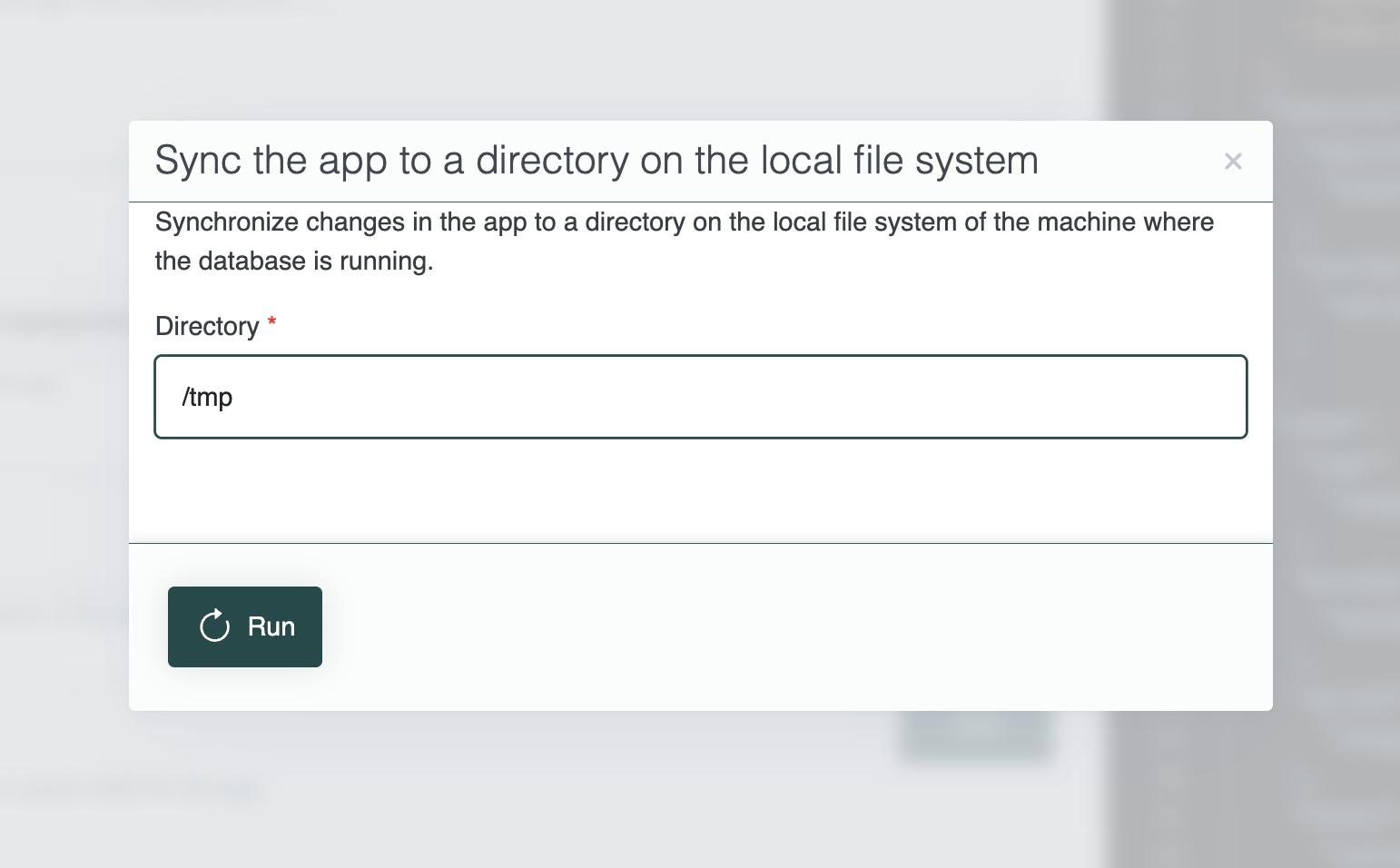
Jinks Sync Action
Both actions allow you to quickly retrieve a copy of your work. For more information regarding development workflows and later updates, please refer to the reference guide.